Blog · Hosting · June 13, 2026
How to Make Your House Party Feel Like a Venue — No DJ Required
Great parties feel designed. The lever most home hosts skip is the visual layer on the biggest screen in the room. Here's how to get venue-grade, music-reactive ambiance at home — no DJ, no gear.
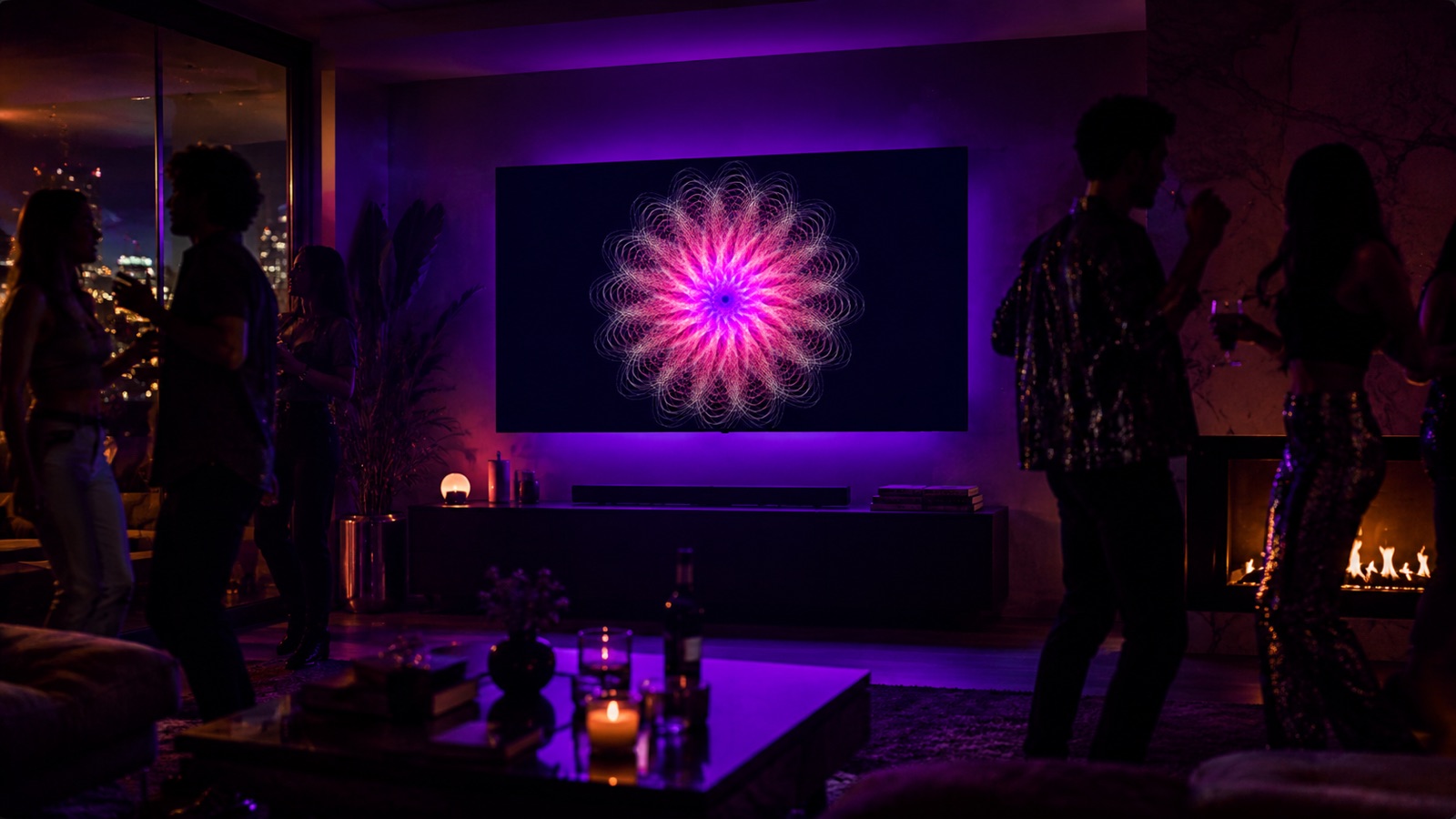
There's a moment at a good party when "people hanging out" tips over into "this is an event." Usually it's not the food or even the music — it's the atmosphere. The lights drop, the room takes on a mood, and suddenly everyone's having a better time.
You can manufacture that on purpose, cheaply, without hiring anyone. Here's the playbook.
Atmosphere is mostly lighting and visuals
Sound, you've got handled — a playlist and a decent speaker. The thing most home hosts skip is the visual layer, because they assume it requires a DJ, a VJ, or a projector setup. It doesn't anymore.
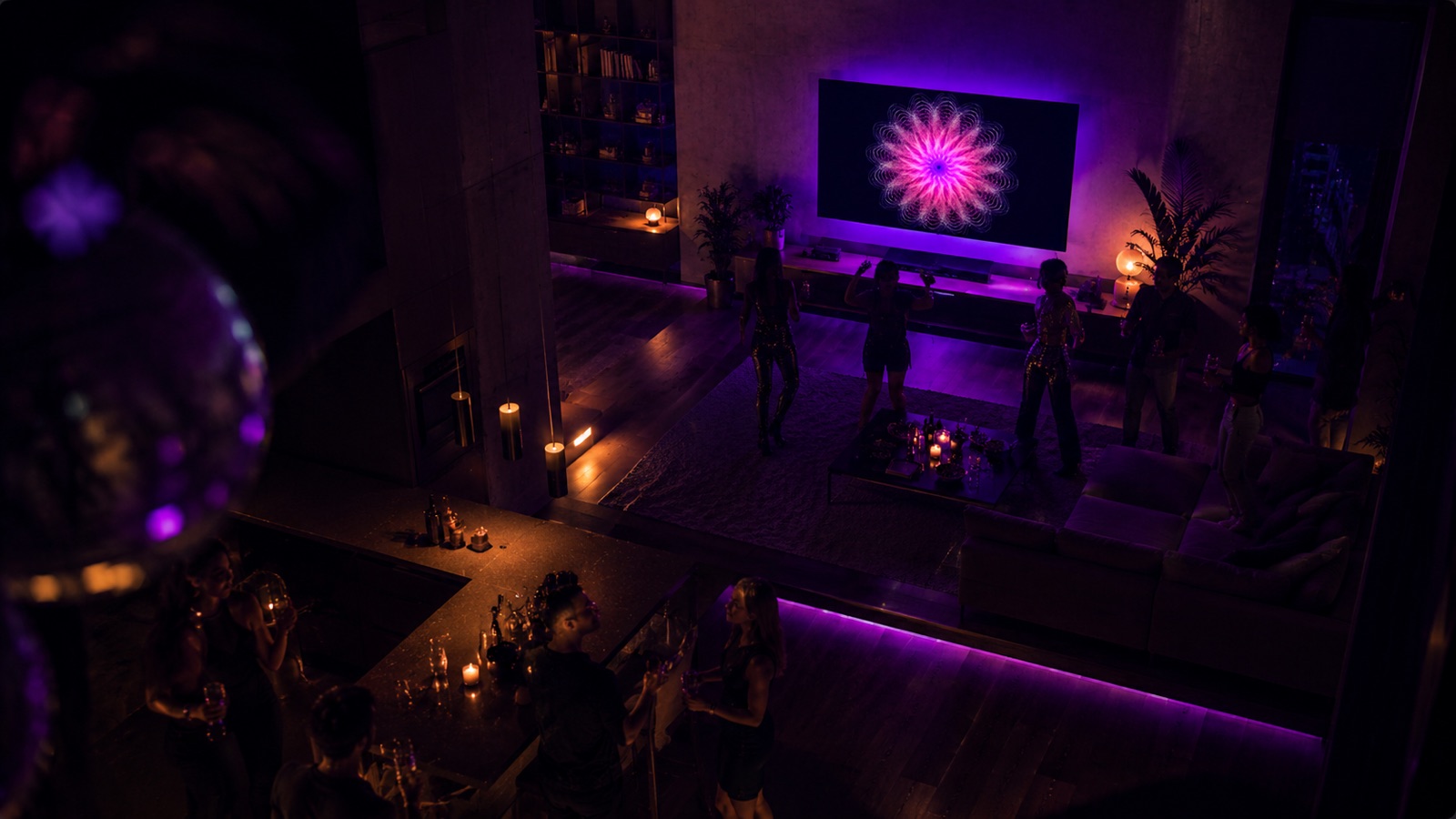
The single highest-impact move: put living, music-reactive art on your biggest screen. It does for a room what stage lighting does for a show — it signals "something is happening here."
The easy button: Spiralyst Lab on your TV
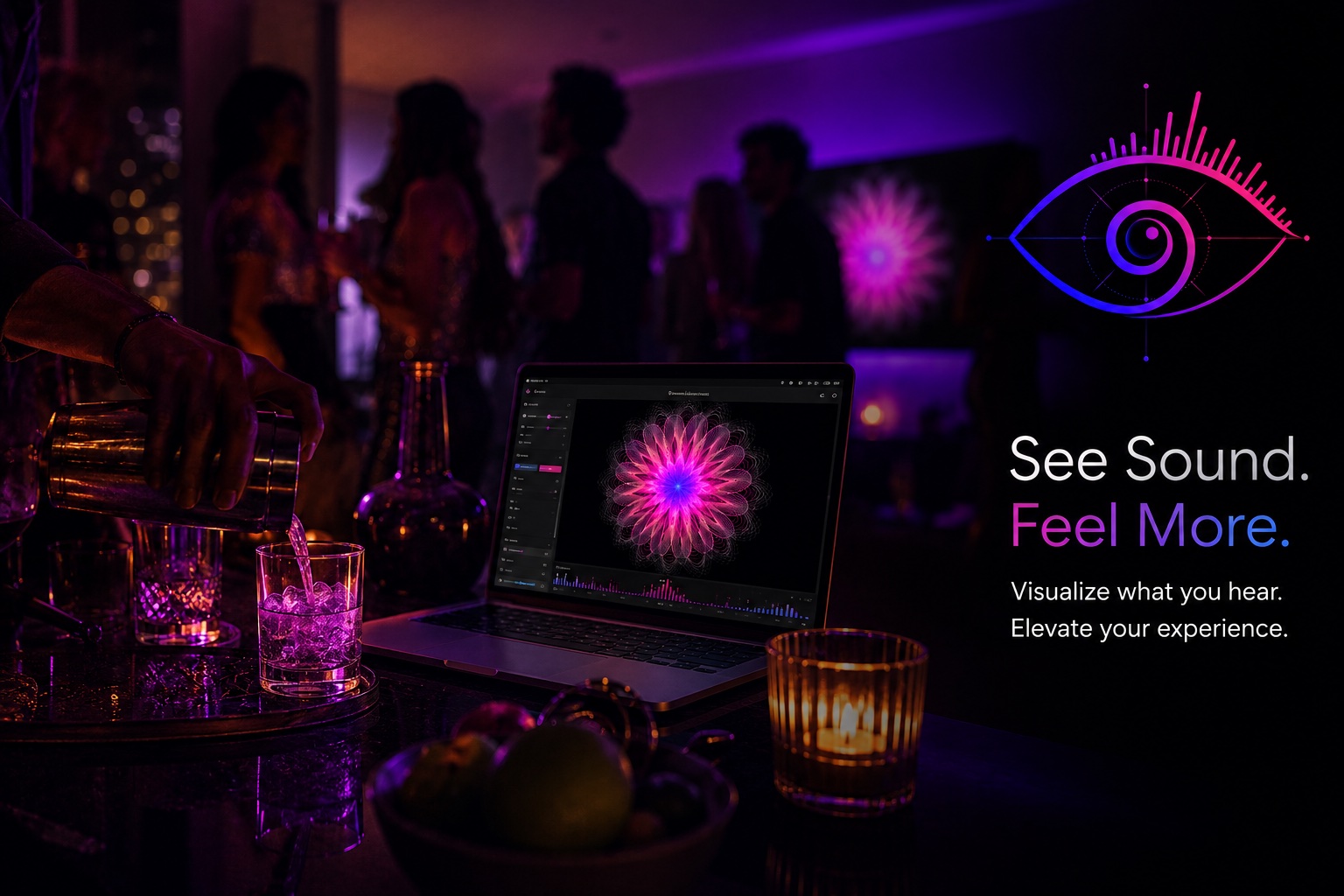
Spiralyst Lab is a Mac app that turns your music into real-time fractal visuals. It captures whatever's playing on your Mac (your party playlist) — or listens to the room through a mic — and renders art that moves with the beat. Send it fullscreen to your TV and the room has a centerpiece.
No DJ. No subscription to a video service. No loop that gives itself away after ninety seconds. Just your music, visualized, live.
A 4-step host's setup
- Dim the lights. Visuals read best in a darker room — and dim lighting is half of "venue feel" by itself.
- Send Spiralyst Lab to the TV, fullscreen. Connect your Mac via HDMI or AirPlay.
- Play your set from your Mac so the app can hear it, then tap Auto-Reactivity — it tunes the visuals to your music automatically.
- Pick a palette for the night. Warm tones for a chill crowd; bold magenta-and-blue for a dance floor. Switch it up as the energy rises.
Bonus: theme it
Throwing a themed night, a birthday, or a brand/launch party at home? Match the colors to your theme, or import a logo or monogram so the art is built around your mark. It's the kind of detail guests remember and pull out their phones for.
Why hosts love it
- It runs itself. Set it once and get back to being a host.
- It never loops, so the room stays fresh all night.
- It's private — no account, nothing sent anywhere, just your Mac doing the work.
- It's cheap. $24.99 for a year of parties.
You already have the music and the people. Add the one layer that makes a room feel like an event.