Download
Download Spiralyst Lab
A direct download for macOS — signed and notarized by Apple. Try it free, then register with a serial to unlock everything.
Version 3.7.0 · released September 26, 2026 · macOS 14.4+ · Apple Silicon · signed & notarized · no account, no tracking.
Free trial — register with a serial to unlock everything. See what's new in the v3.7.0 release post.
It's a free trial — register to unlock everything
The download is a free trial. You can install Spiralyst Lab and start playing right away — but some features are limited until you register it with a serial number. A $24.99 license is good for one year and unlocks everything.
Try it first. When you're ready, get a serial and enter it in the app to register — the trial becomes the full version, no reinstall needed.
What it looks like to install
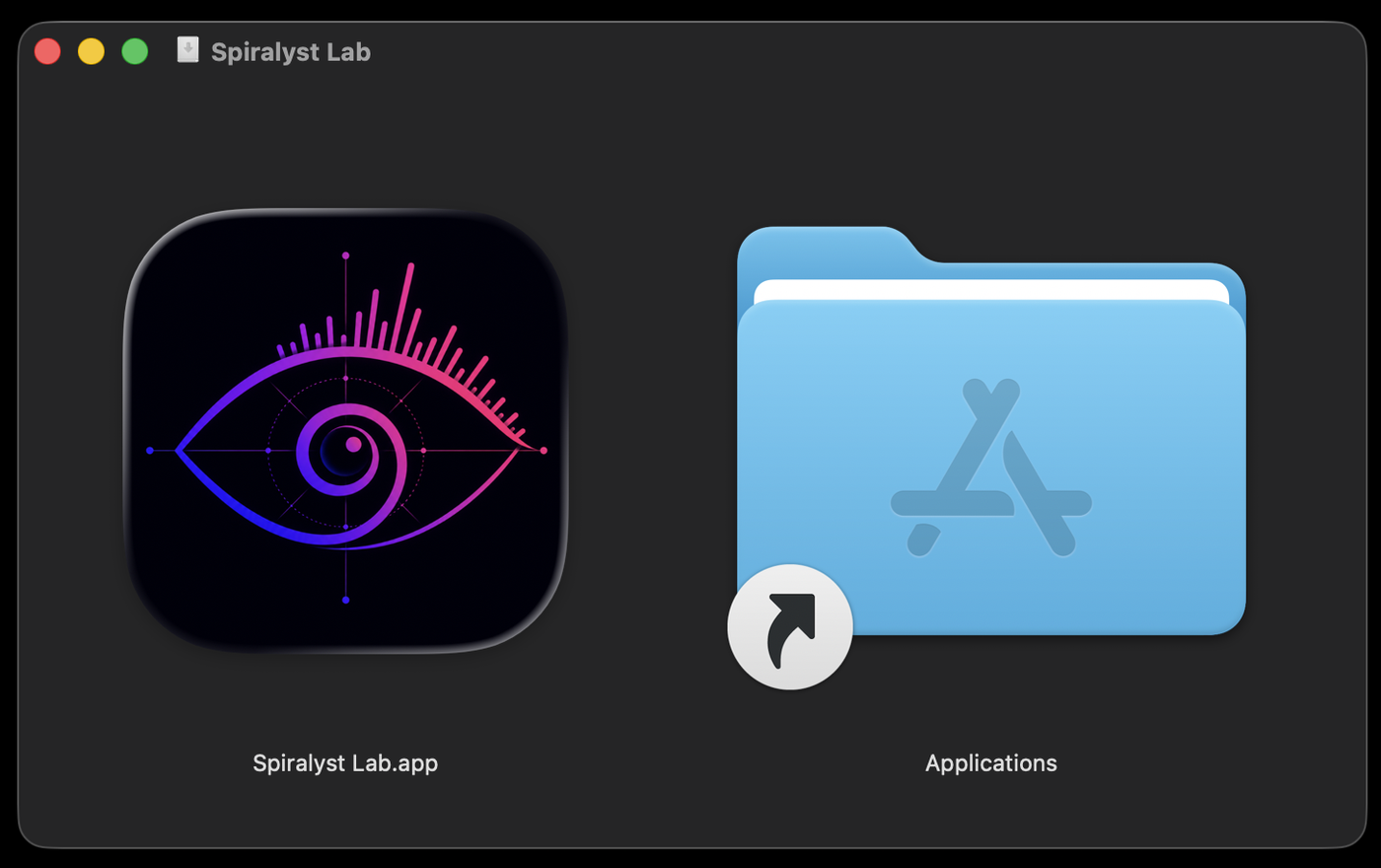
When you open the .dmg, drag
Spiralyst Lab onto the Applications folder to install it.
Installing
- Open the downloaded
.dmgfile. - Drag Spiralyst Lab into your Applications folder.
- Double-click Spiralyst Lab to open it. It's signed and notarized by Apple, so it launches normally — no security warning or right-click needed.
- Enter your serial number to register — or keep using the free trial and register later when you're ready.
System requirements
- macOS 14.4 or later
- Apple Silicon Mac
- Any audio input your Mac recognizes — system audio, a mic, a USB interface, a mixer, or line-in
- A display (and, for live use, a projector or external screen)
About system-audio capture. The first time you use system-audio or microphone capture, macOS may ask for permission. Spiralyst Lab analyzes audio live to drive the visuals — it never records or transmits your audio.
Why isn't it on the Mac App Store?
By design. Capturing system audio natively isn't compatible with the App Store's sandbox, so Spiralyst Lab is distributed directly — the same way many respected pro-audio Mac apps are. It's still fully signed and notarized by Apple, so it installs cleanly.