Feature guide · 2D fractals & spirals
2D fractals & spirals — classic geometry, drawn live to your music.
Fourteen flat, line-drawn forms, from the evenly wound Archimedean coil to the sunflower's golden-angle seed head, the Pythagoras tree, the Apollonian gasket and the Julia set. Each one is a live system of sliders you can shape by hand, set drifting on its own, or give to your music. These are the types where you can see the rule behind the picture.
Drawings, not sculptures
For the 3D fractals, Spiralyst Lab builds a solid object and lights it, and you fly a camera around it. The 2D types are something older and simpler: drawings. Lines and dots on a flat canvas, each made by following a rule you could follow yourself with a pencil and a protractor: a radius that grows as the angle turns, a seed placed one golden angle past the last, a square that balances two smaller squares on its shoulders. The app just follows the rule faster than you could, and draws it again every frame.
That makes the 2D types the clearest window into the math in the whole studio, and the cleanest line art for a projector or a print. A teacher can put a formula on the board and the matching picture on the wall. A hobbyist can learn what each slider means by moving it. And because every slider can be bound to your music, the same drawing that explains exponential growth can breathe with a bassline.
The 14 types
They fall into four families: the classic spirals (Archimedean, logarithmic, Fermat, hyperbolic, plus the coiled rose and the multi-arm pinwheel); nature's golden angle (phyllotaxis and fractal phyllotaxis); recursive fractals (fractal rose, Pythagoras tree, recursive log spiral, Apollonian gasket, SVG fractal); and the complex plane (the Julia set). Each has its own gallery page with the full story and the math.
Every type also shares the studio's 2D controls (Density, Stroke, layers, glow, trails, color). The Controls line under each type lists only the sliders unique to that type.
Archimedean — the clockwork coil
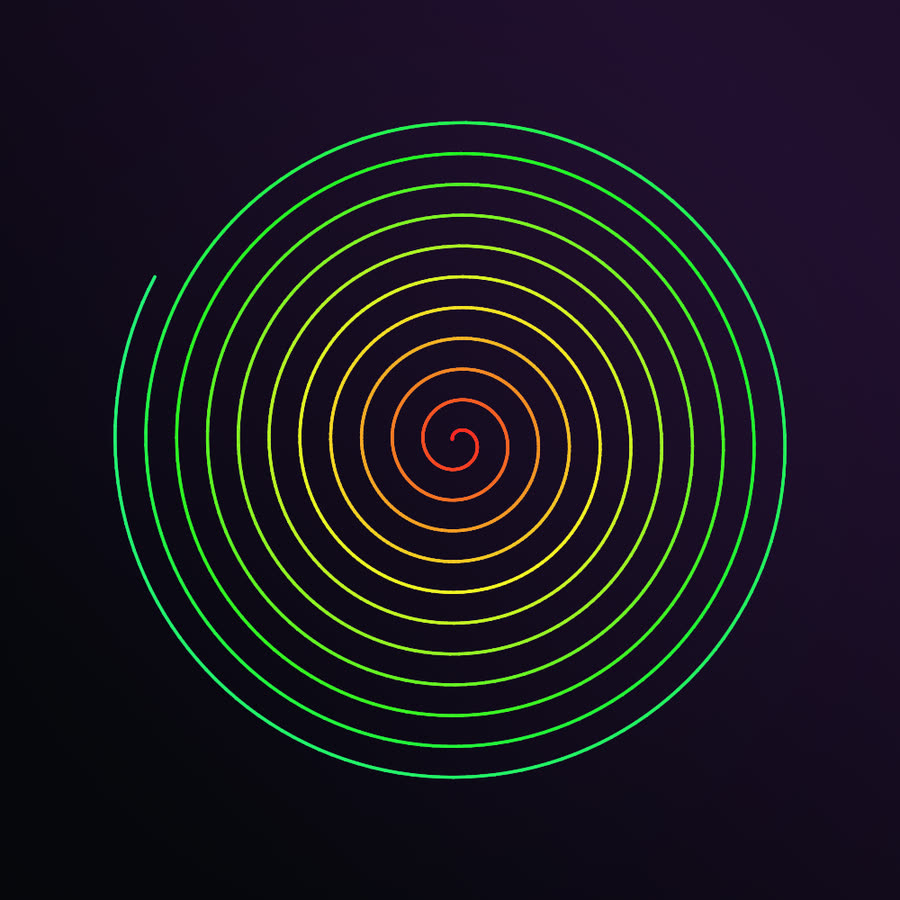
The Archimedean spiral is the most evenly wound of all spirals: its radius grows in direct proportion to the angle, so every turn sits exactly the same distance from the last. It is the shape of a coiled rope, a clock's hairspring, and the groove of a vinyl record. Spacing sets the gap between turns and Turns sets how many there are; bind Spacing to the bass and the coil breathes in and out with every kick.
Controls: Turns (2–30), Spacing.
Logarithmic — the growth spiral
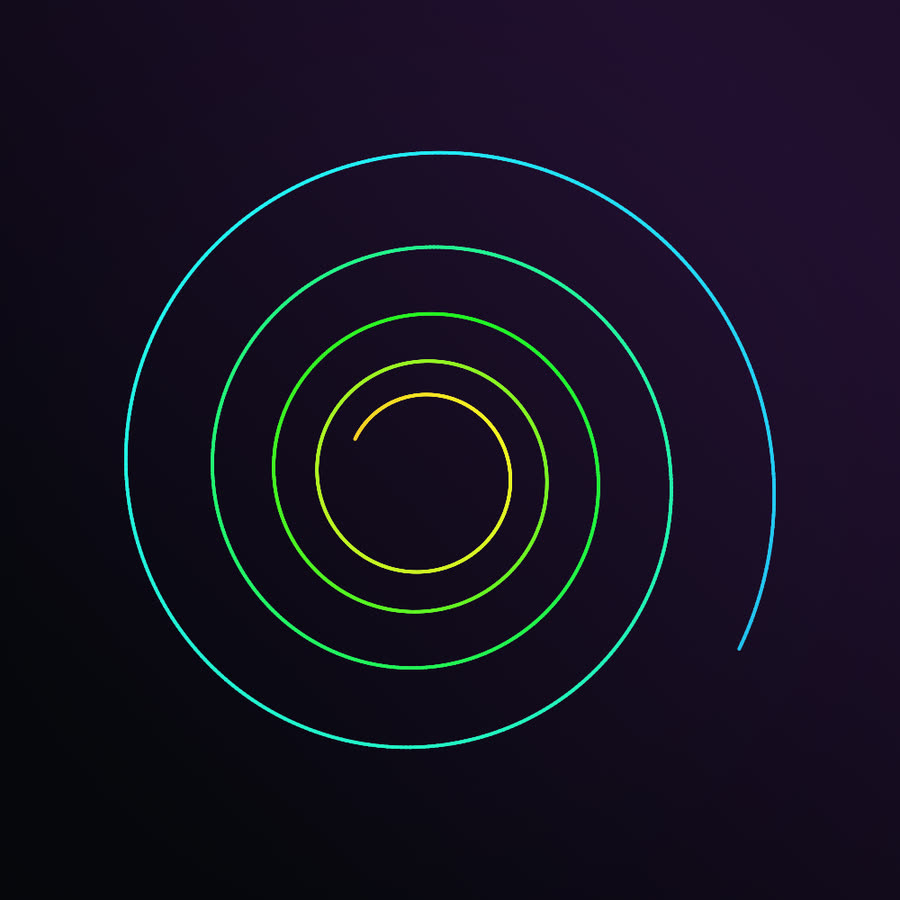
The logarithmic spiral multiplies its radius by the same factor every turn, which makes it look identical at any zoom. It is the curve of nautilus shells, hurricanes and the arms of spiral galaxies. Growth sets that factor: low values wind tightly, high values fling the arms outward. Put it next to the Archimedean spiral and the difference between adding and multiplying is visible at a glance.
Controls: Turns (1–10), Growth.
Fermat — two arms, one seed head
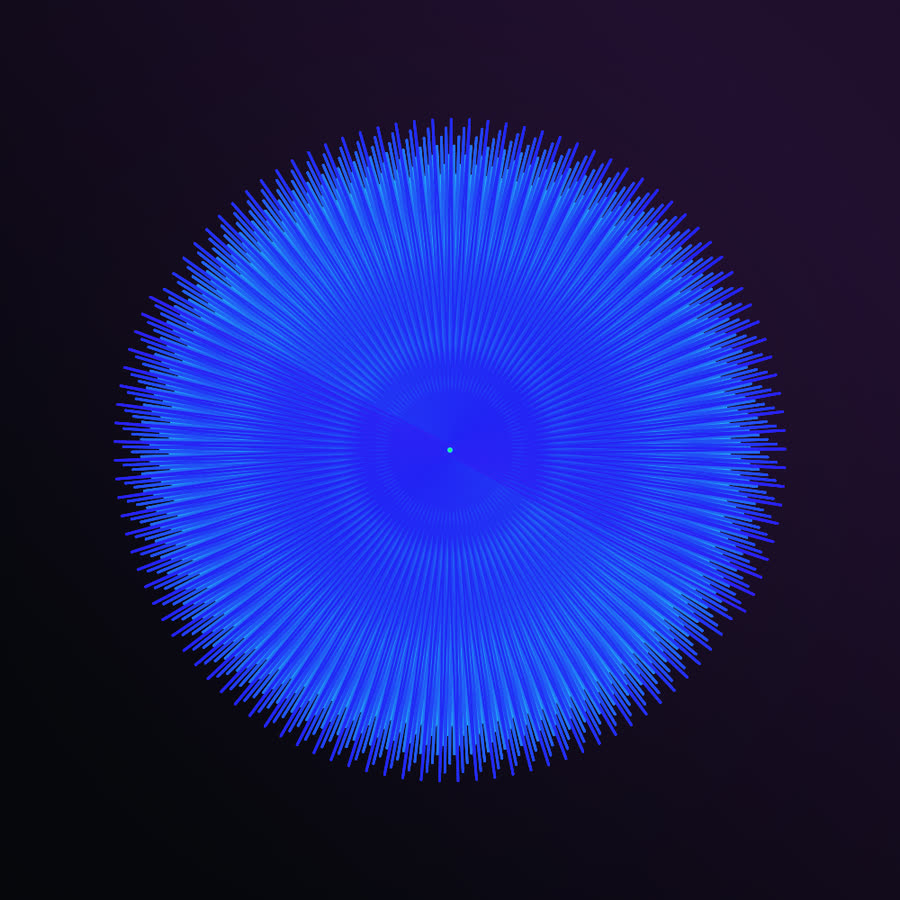
Fermat's spiral grows with the square root of the angle, so it races outward near the center and then slows, with two interleaved arms winding symmetrically both ways from the middle. Spiralyst Lab's version is a deliberately stylized take: it stitches back and forth between the two arms instead of drawing each as one smooth line, which weaves a dense disc. Raise Turns and add trails and the weave smears into a hypnotic, spinning plate.
Controls: Turns (4–40).
Hyperbolic — the spiral turned inside out
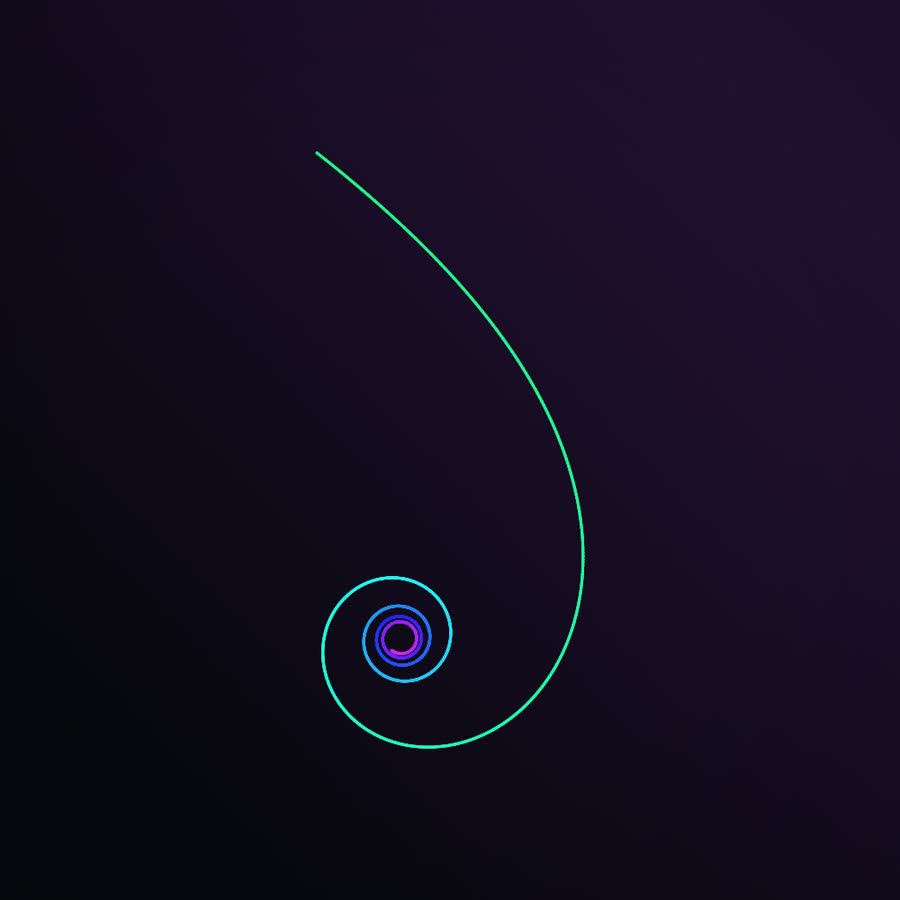
The hyperbolic spiral is the Archimedean turned inside out: its radius shrinks as the angle grows, so it rushes in from far away and winds ever tighter toward a center it never reaches. Reach sets how far along the curve the drawing runs and Pull sets how wide the outer sweep is. The crowded inner coils give glow somewhere to gather, which makes it a favorite base for bright, high-trail looks.
Controls: Reach (5–80), Pull.
Phyllotaxis — the sunflower's secret angle
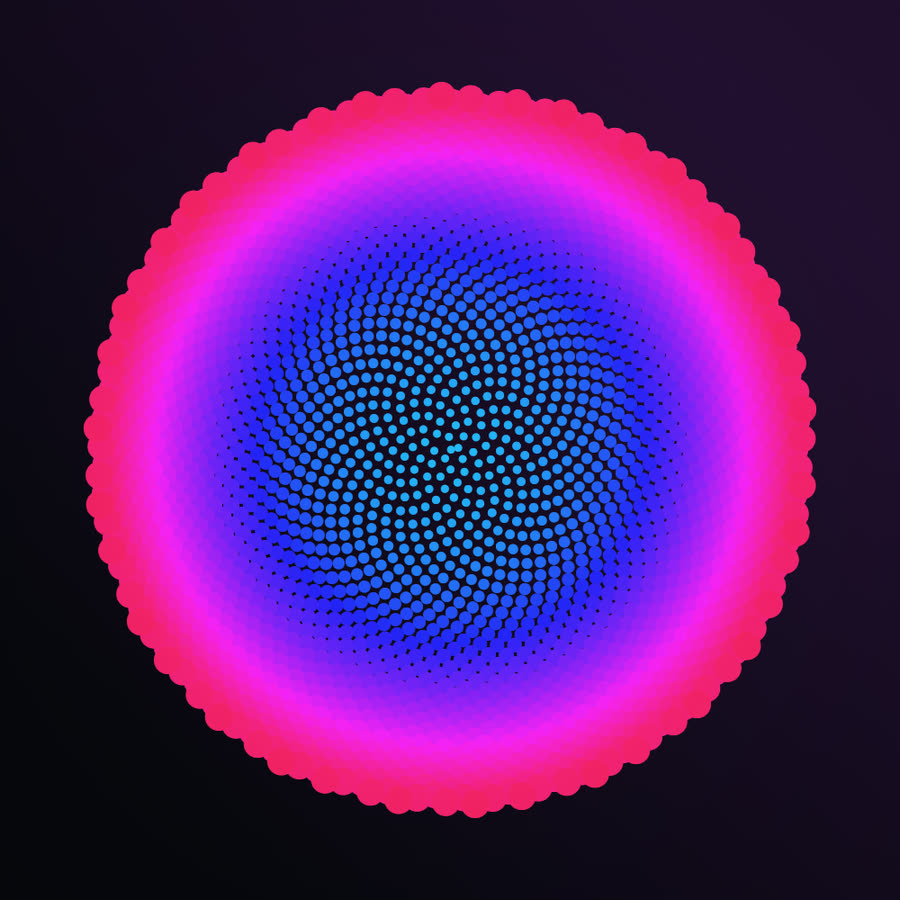
Plants pack seeds by placing each new one about 137.5° (the golden angle) from the last, so a disc fills with no gaps. The crossing spirals you see in a sunflower head come from that single rule, and their counts are almost always consecutive Fibonacci numbers. Angle drift nudges the angle up to about seven-tenths of a degree either way: at zero the seeds pack smoothly; nudge it and visible spiral arms snap into view. Bind it to your music and the seed head pulses between the two. Density sets how many seeds are drawn, and the dots can be swapped for any brush shape.
Controls: Angle drift. (Density sets the seed count.)
Rose (coiled) — a flower set spinning
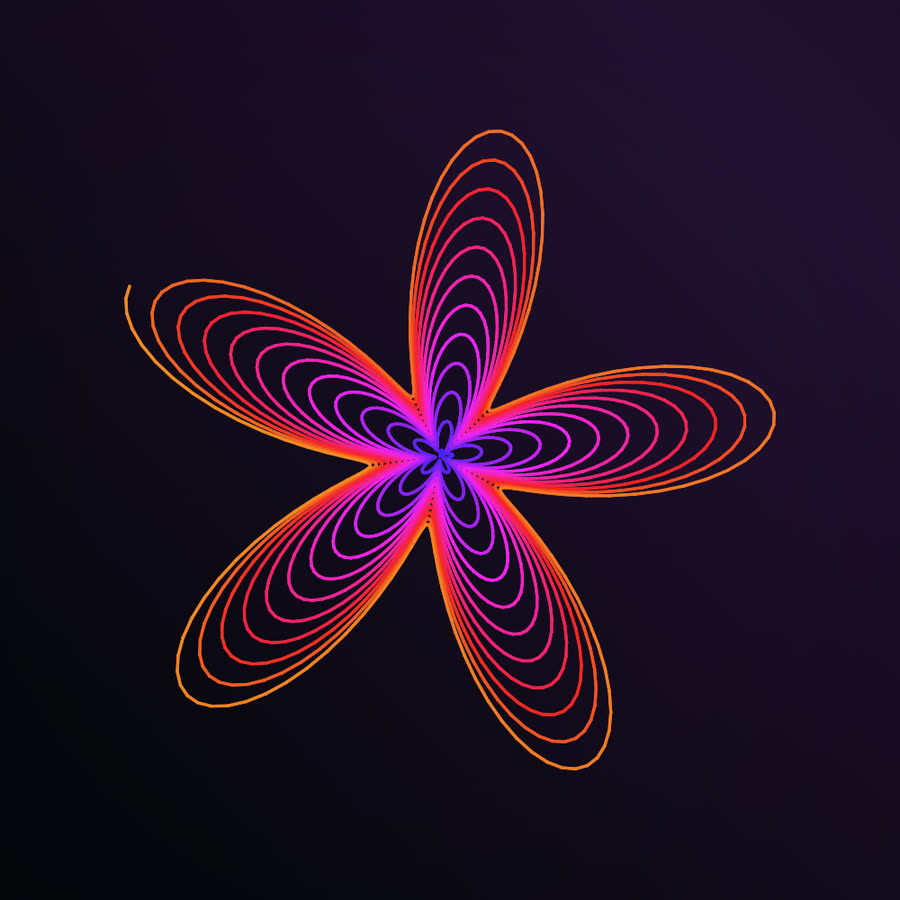
This rose winds a flower's petals onto a steadily growing radius, so instead of closing into a single bloom it spirals outward in layered, nested petals. Petals (k) sets how many lobes ring each turn, from a simple flower to a dense starburst; Turns and Growth set how far and how fast it coils. Put the petal count or the hue on the beat and it blooms in time. It is also the type a trial copy opens on, with a bundled layered-rose demo scene to start from.
Controls: Petals (k) (2–12), Turns (4–30), Growth.
Multi-arm — pinwheels and galaxy arms
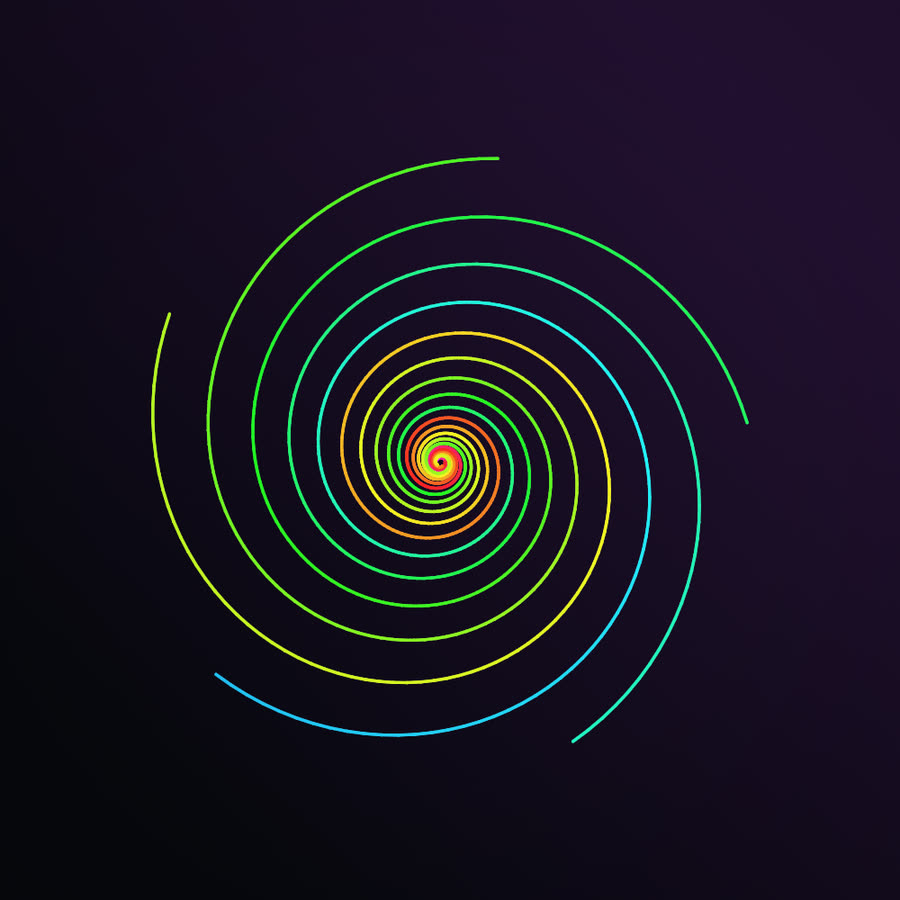
Several identical logarithmic spirals share one center, evenly rotated, to make a pinwheel or a galaxy's arms; each arm takes its own place in the color palette. Arms alone sets the symmetry, from a two-armed swirl to a twelve-armed disc. Bind the arm count or the rotation to your music and the pinwheel opens, closes and spins with it.
Controls: Arms (2–12), Turns (1–8), Growth.
Fractal phyllotaxis — seed heads within seed heads
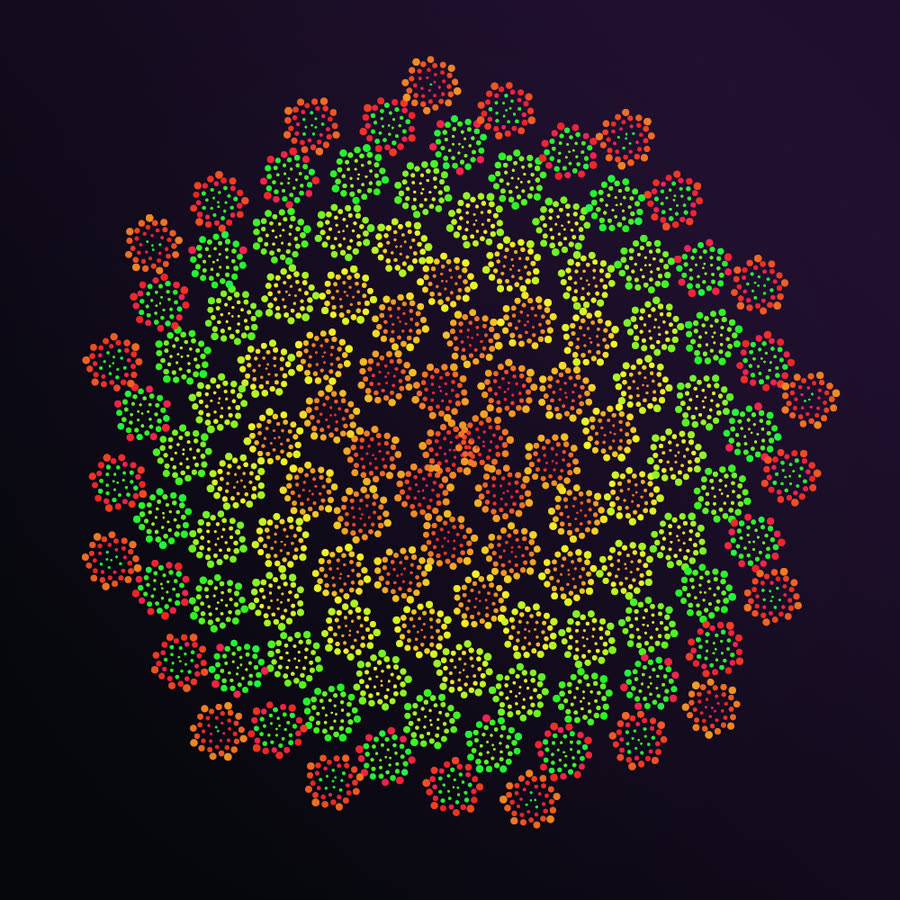
Phyllotaxis inside phyllotaxis: every seed of an outer golden-angle pattern becomes the center of its own miniature seed head. Outer count and Inner count set how many clusters and how many seeds in each, Inner size scales the small heads, and Inner drift detunes their angle. The result reads as impossibly dense organic detail, and it is a showpiece for a slow hue animation.
Controls: Outer count (30–250), Inner count (10–100), Inner size, Inner drift.
Fractal rose — a bouquet that keeps blooming
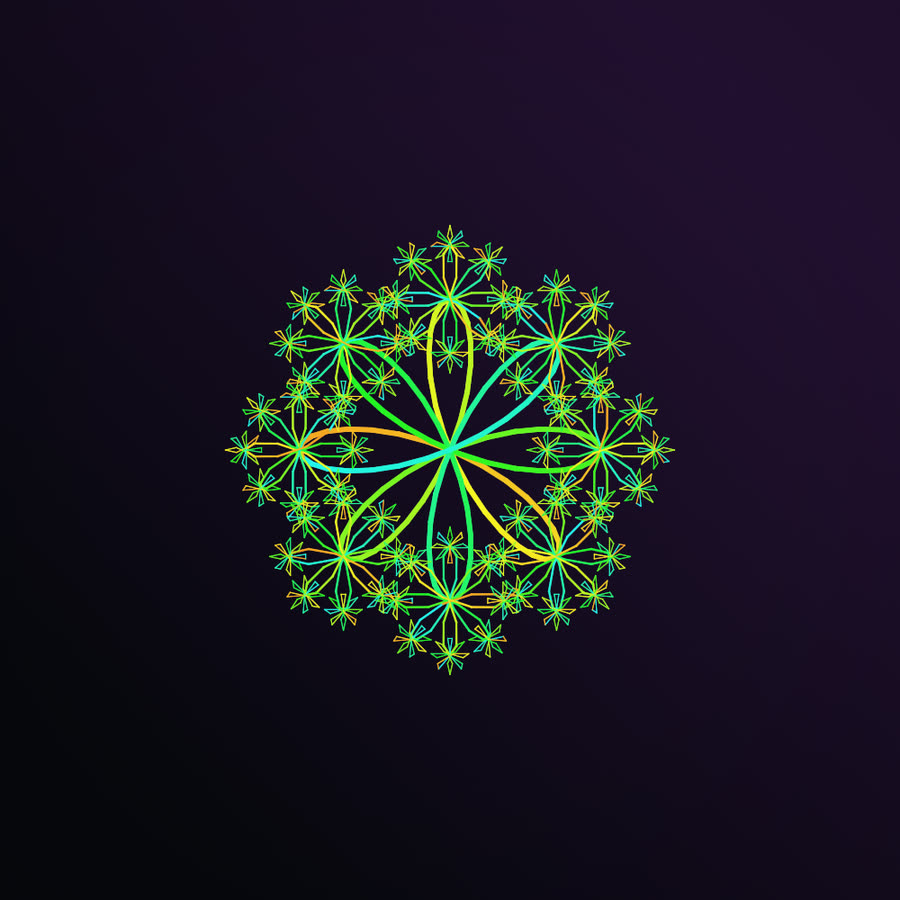
This one uses the textbook rose curve and makes it recursive: at the tip of every petal it sprouts a smaller rose, and a smaller one on each of those, for several generations. Petals (k) sets the flower, Child scale sets how much smaller each generation is, and Twist turns each new generation, curling the bouquet. Animate the petal count for an arrangement that breathes.
Controls: Petals (k) (3–6), Child scale, Twist.
Pythagoras tree — a forest grown from squares

A fractal built entirely from squares: each square balances two smaller squares on top, and the gap between them frames a right triangle. Branch angle decides everything, bending the canopy from a symmetric crown to a wind-swept lean; Per-level twist, Trunk tilt and Size spread shape it further. Put the branch angle on the beat and the tree sways to the music.
Controls: Branch angle, Per-level twist, Trunk tilt, Size spread.
Recursive log spiral — the fiddlehead unfurls
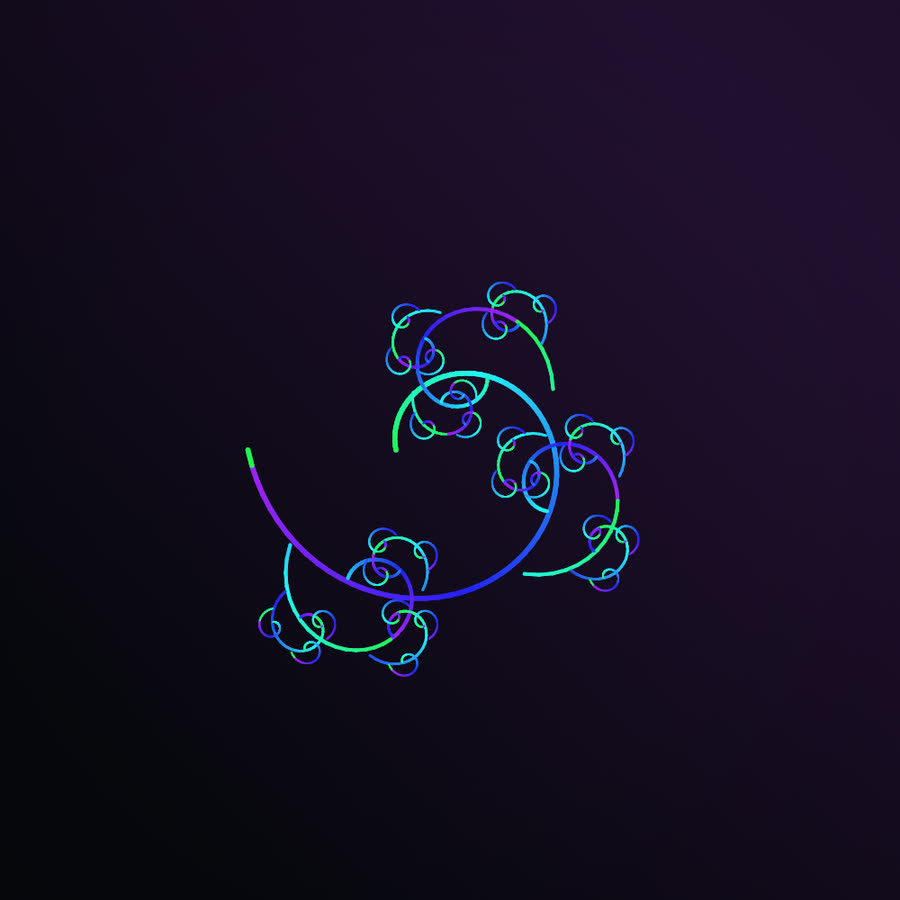
A logarithmic spiral taught to branch: smaller spirals peel off the main arm, and smaller ones off those, curling into the shape of a fiddlehead fern. Branches sets how many children sprout from each arm, Child scale and Twist set their size and angle, and Arc length and Growth b shape the parent curl. Long trails and glow smear the fronds into a luminous curl.
Controls: Arc length (turns), Growth b, Branches (1–5), Child scale, Twist.
Apollonian gasket — a foam of perfect circles
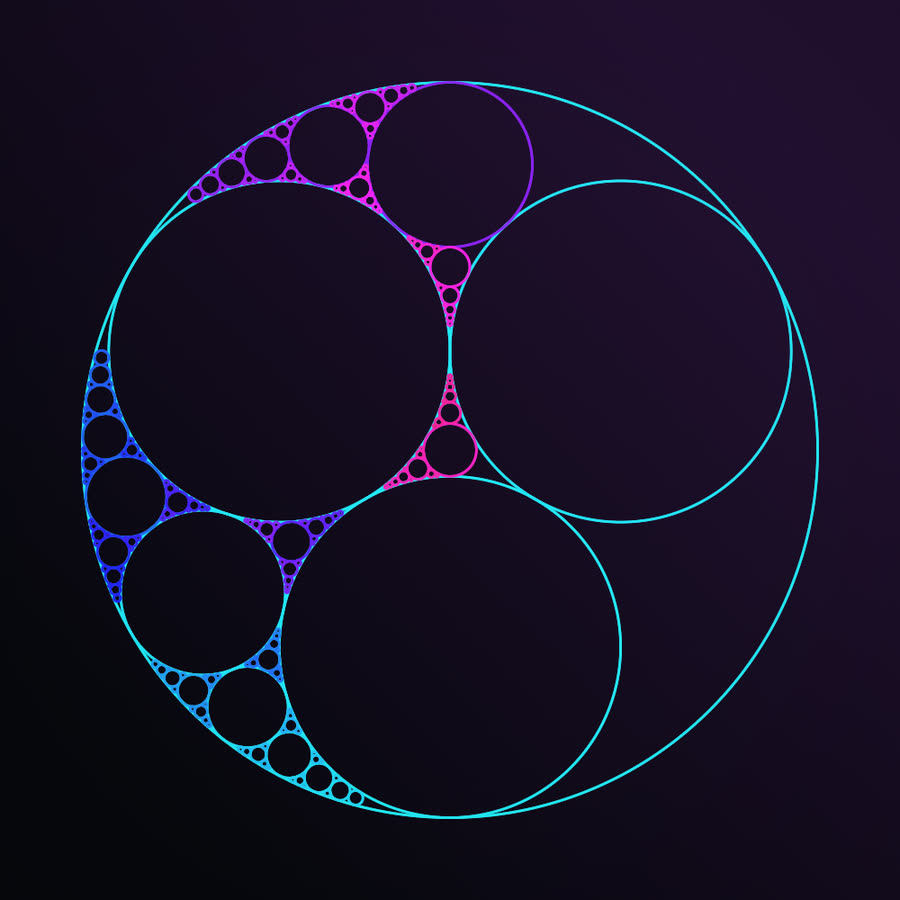
Three touching circles leave a gap; fill it with the largest circle that fits, and fill the new gaps the same way, forever. The sizes follow Descartes' Circle Theorem exactly, and the result is a jewel-like foam of circles at every scale. Recursion depth sets how many rounds of filling you see, Outer radius sets the bounding circle, and Wobble warps the starting circles for an artistic, lopsided packing. The circles can be drawn with any brush shape.
Controls: Outer radius, Recursion depth (3–9), Wobble.
SVG Fractal — any edge, made infinite
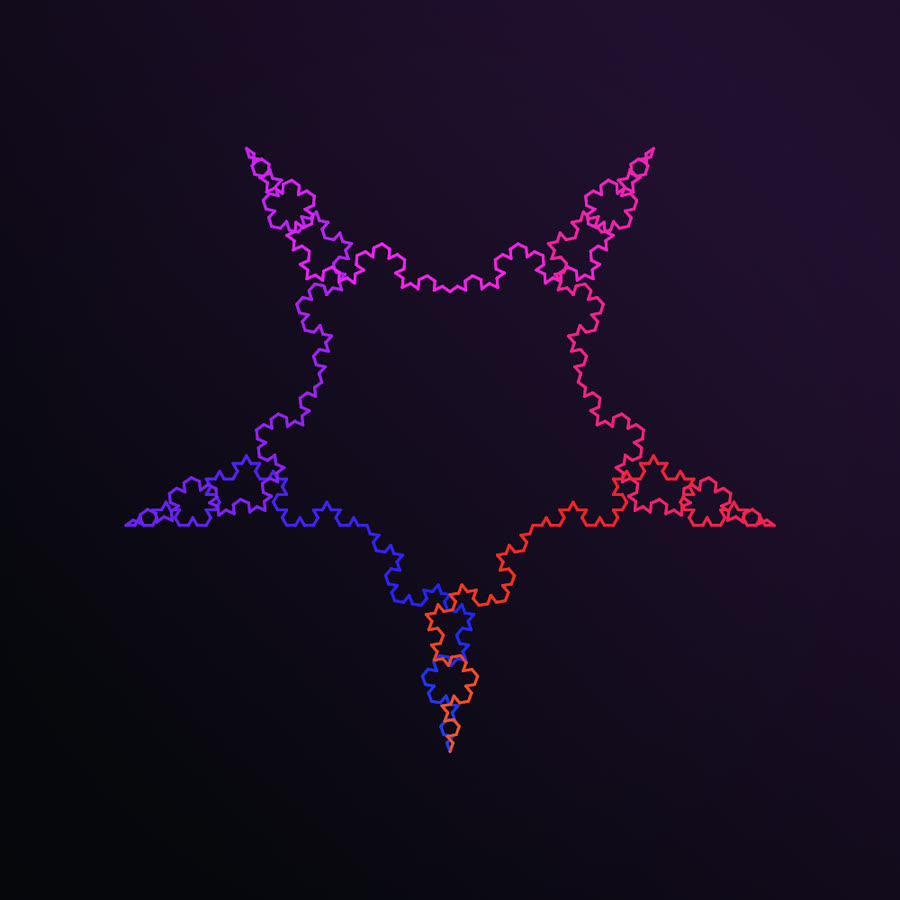
Take an outline (a star, a heart, a butterfly, or your own logo) and replace every edge with a small fractal rule, again and again, so the boundary grows endlessly detailed. It is the machinery behind the Koch snowflake. Pick one of 18 built-in shapes or import your own SVG, choose one of seven Rules (Koch, Cesàro, Smooth, Lévy-C, Koch-square, Koch-inward, Zigzag), and set Iterations from 0 (your outline, untouched) to 7. It is the route to a branded display: your mark, in your colors, reacting to the room.
Controls: Preset shape, Import custom SVG, Rule, Iterations (0–7), Rule param (the fold angle, for Cesàro and Zigzag).
Julia set — one rule, a whole universe
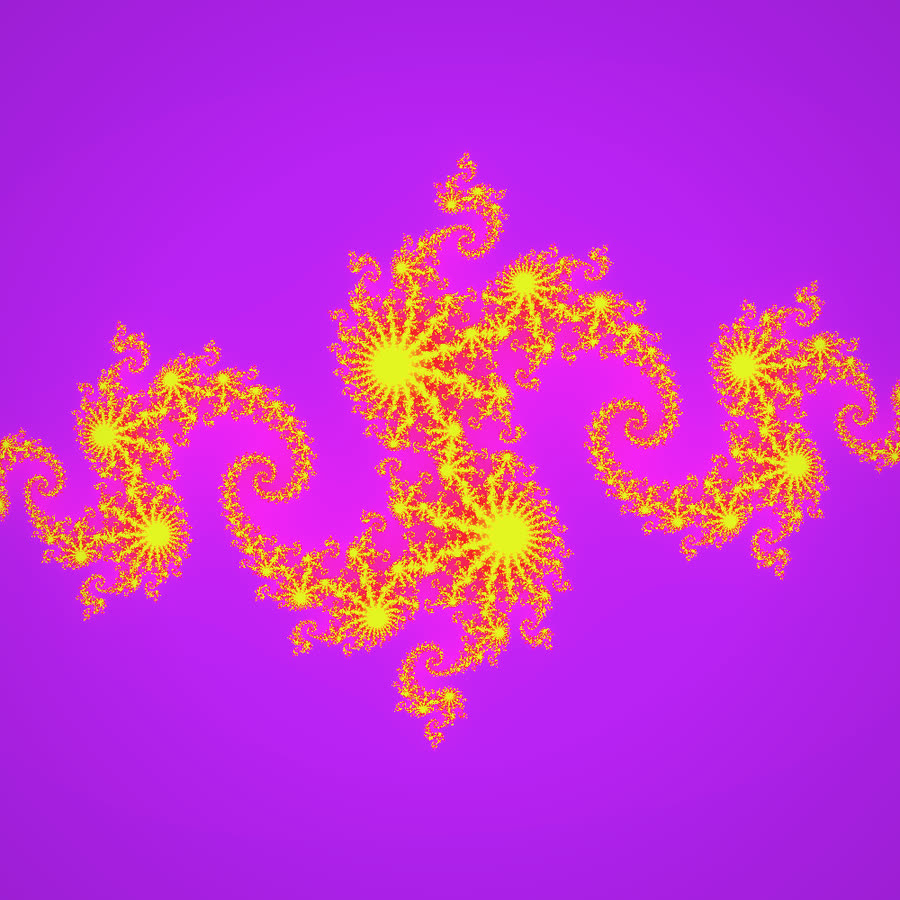
Square a number, add a fixed constant, repeat. Some starting points fly off to infinity and some stay trapped forever; the Julia set is the boundary between them. Spiralyst Lab works it out for every pixel and colors it in classic escape-time bands. c real and c imag are the two parts of that constant, and a tiny change transforms the whole shape, from connected coastlines to branching lightning to scattered dust. Bind them to your music and the set morphs continuously.
Controls: c real, c imag, Iterations (20–250), Complex zoom.
How the 2D types fit with the rest of the studio
- Every slider can move by itself or with your music. The play button sets a slider drifting on a slow sine wave; the speaker button binds it to a frequency band you draw, reading its loudness, brightness, attack or pitch. Same system as every other type.
- Layers. Stack up to twelve rotated copies of the drawing, each shifted along the palette, with their own opacity and an offset from the center, for kaleidoscopes and flower arrangements.
- Glow, trails and vignette. A soft halo, a smear of previous frames, a darkened edge.
- Color. Hue start and span, saturation, lightness, a lightness ramp along the drawing, an animated hue cycle, and a solid or gradient background.
- Brushes. On the dot-drawn types (phyllotaxis, fractal phyllotaxis, Apollonian gasket) swap the circle for a square, triangle, hexagon, star, dot cluster, or an SVG you import.
- Shape and view. Density and stroke weight, rotation, squash, jitter, zoom and pan, plus hue-rotate, saturation, contrast and blur filters. Roll the seed for a new variation; ⤺ Reset puts a type back to its defaults.
- Full Math Mode coverage. All fourteen have the live formula tile, the info card, the per-slider guide and spoken narration.
- Export. File → Record Video captures MP4, MOV or WebM at up to 4K; PNG stills at a custom size and print resolution; and scalable SVG for thirteen of the fourteen types (the Julia set is drawn pixel by pixel, so it exports as PNG or video instead).
Use it in a classroom
A few starting points for teachers. Turn on Math Mode first so the formula is on screen.
Middle school — adding vs multiplying. Open the Archimedean spiral and measure the gap between two turns, then two more; it never changes. Switch to the logarithmic spiral and the gaps grow with every turn. One picture adds the same amount each time; the other multiplies by the same amount. That's linear versus exponential growth, drawn.
Middle school — symmetry. Multi-arm spiral, Arms set to 2, 3, 4, then 6. The number of arms is the order of rotational symmetry. Then turn up Layers on any type and ask how many ways the picture can be turned and still look the same.
Biology crossover — counting a sunflower. Phyllotaxis, drift at zero. Count the spirals running clockwise and counter-clockwise; they will be neighboring Fibonacci numbers. Nudge Angle drift a fraction of a degree and watch the smooth packing break into visible arms: why does the plant care about such a tiny angle?
Geometry — Pythagoras, twice. Pythagoras tree, with Size spread at 1 and Per-level twist at 0. The two small squares on each branch sit on the legs of a right triangle whose hypotenuse is the big square, so their areas add up to the big square's. Change the branch angle: the tree leans, but that area rule never breaks. (Then lower Size spread and ask what it just did to the rule.)
Infinity you can count. SVG Fractal, the triangle shape, Koch rule. Step Iterations from 0 to 7. The outline gets longer every step, yet it never escapes a circle drawn around the original triangle: an endless edge around a finite area. Then Apollonian gasket, Recursion depth 3 to 9: infinitely many circles, all inside one.
High school — complex numbers. Julia set. Move c real and c imag. Some values give one connected coastline, others shatter into dust. Where is the boundary? (That question leads straight to the Mandelbrot set.)
Use it as a hobbyist, a VJ or a brand
- The line-art projector. Clean 2D lines read from the back of a room. Rose with petals on the kick and hue on the hats; a multi-arm pinwheel that spins faster when the track lifts.
- The seed-roller's sketchbook. Pick a type, roll the seed, stack layers, try a brush. When something lands, save it as a preset and recall it between tracks.
- Your logo, made fractal. Import your mark into the SVG Fractal, set Iterations to 0 to see it clean, then raise it and choose a rule. Match your brand colors and let the booth's audio drive it; export the result as an SVG for print.
- A loop for every track. Record a square 4K clip of a Julia set morphing to the music, or a phyllotaxis head pulsing with the bass, for socials or a release visualizer.
Privacy and offline use
The 2D types work exactly the way the rest of Spiralyst Lab does. Audio is captured live on your Mac, from system audio or any input device, analyzed in the moment, and never recorded or transmitted. There is no telemetry, no account and no network connection. Read the privacy promise for the rest of the story.
Where to go from here
- Browse the gallery — every 2D type has its own page with motion previews, stills and the full math.
- See the Math Mode page — the live formula overlay every 2D type carries.
- Get Spiralyst Lab — every 2D type is in the free trial (20 minutes per launch, a watermark on the picture, no export), with audio reactivity, layers, color and effects all live. A license is $24.99 for one year, direct download, for macOS 14.4+ on Apple Silicon.