Tutorials
Up and running in minutes
Short, no-fluff videos that take you from first launch to a full audio-reactive show. Watch in order, or jump to what you need — each opens its own page.
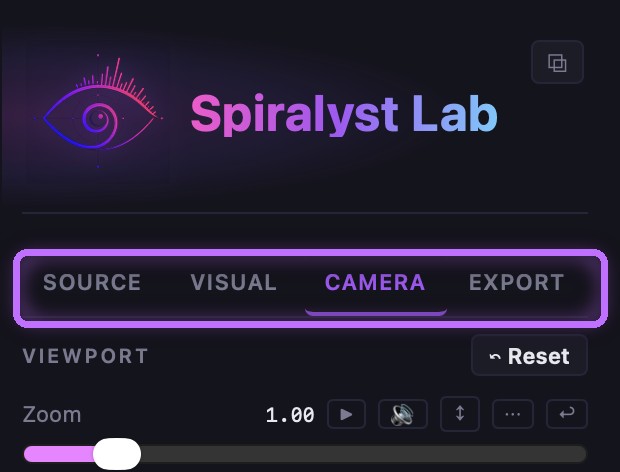
Getting started with Spiralyst Lab
Install, first launch, and the lay of the land — the canvas, the four sidebar tabs, and a fractal reacting to sound in about 90 seconds.
~90 sec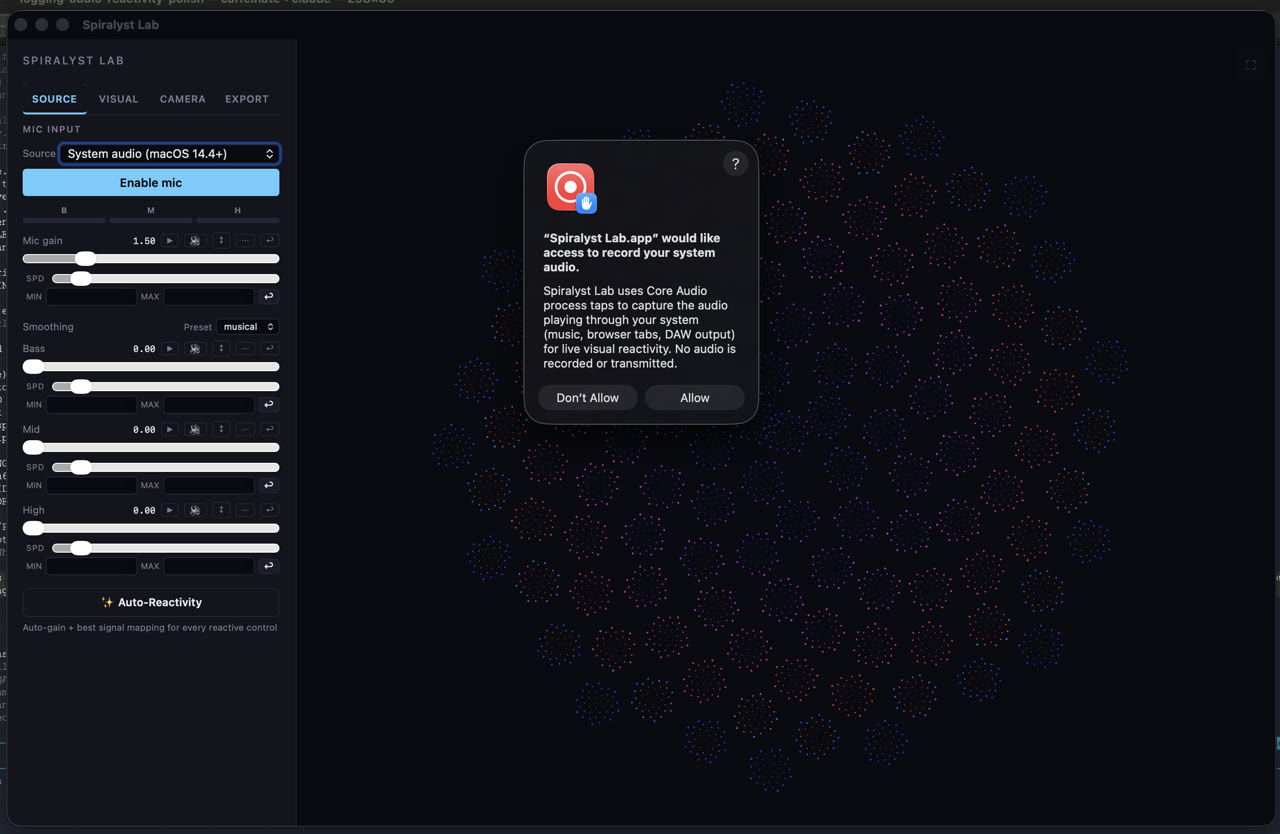
Capturing your system audio
React to anything playing on your Mac — DJ software, a music app, a browser — with no virtual cables, or switch to a microphone or input device for live rooms.
~75 sec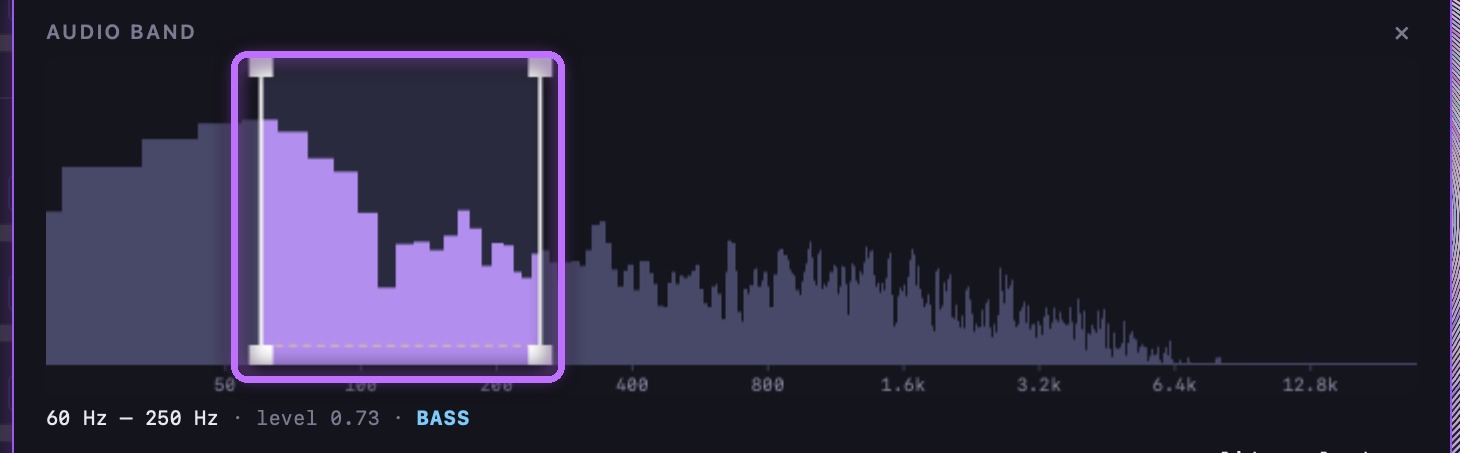
Mapping frequencies to motion
The heart of the app — draw your own frequency bands and route bass, mids, and highs to zoom, color, and rotation, then tune the feel so the reaction lands right.
~2.5 min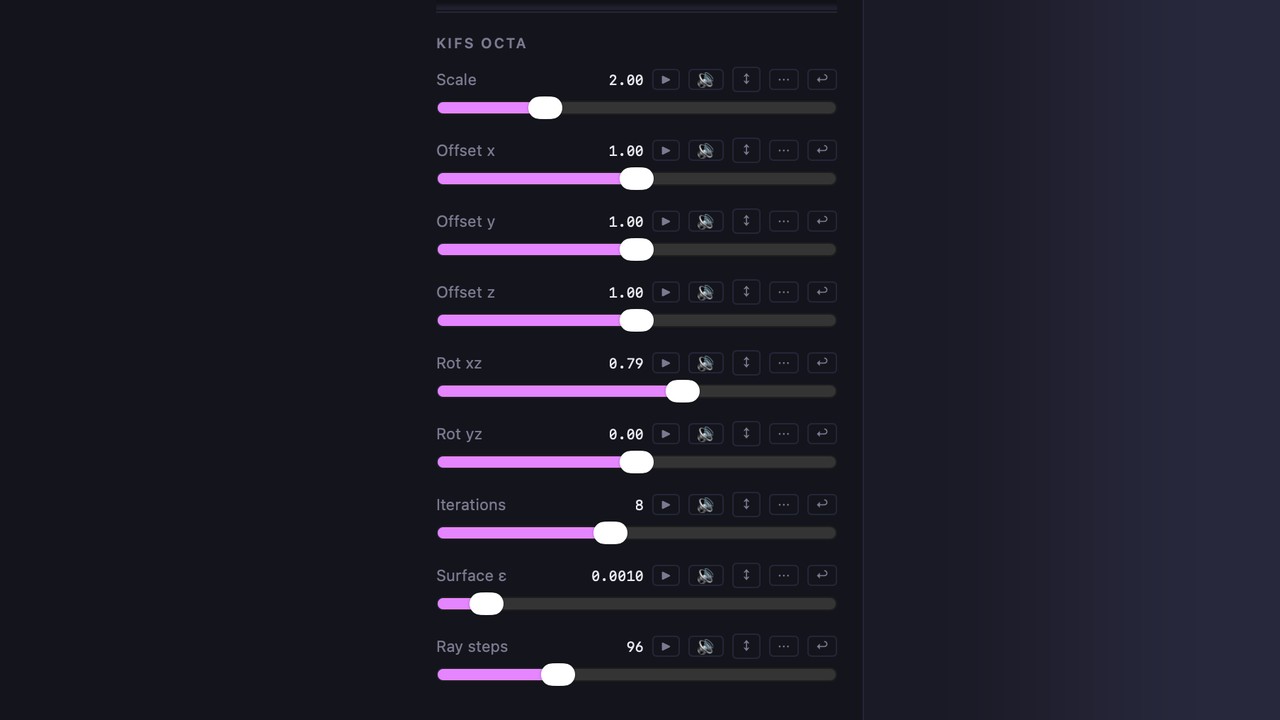
Choosing & shaping fractals
A tour of the 2D and 3D fractal types and the controls that reshape them — seed, geometry, palette, glow, and (in 2D) custom brush shapes.
~2.5 min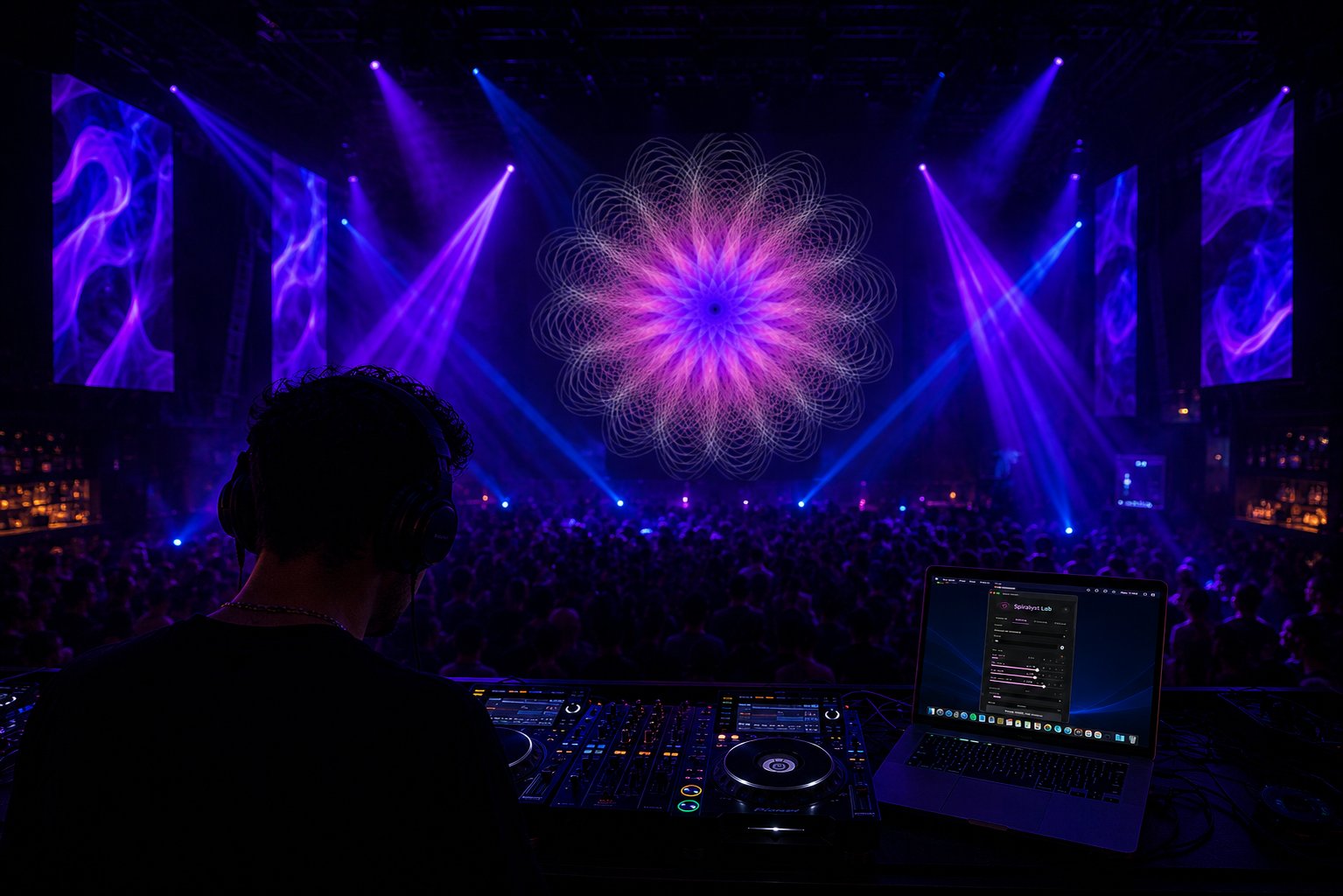
Going fullscreen for a gig
Get show-ready — send the canvas fullscreen to a projector or external display, balance quality versus performance, and recall presets between tracks.
~90 sec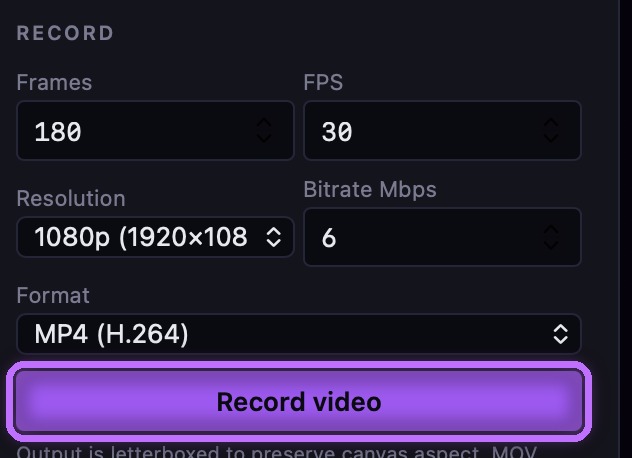
Exporting loops, stills & vectors
Turn a session into content — record MP4/MOV/WebM up to 4K, grab high-DPI PNG stills, and export 2D pieces as scalable SVG.
~2 min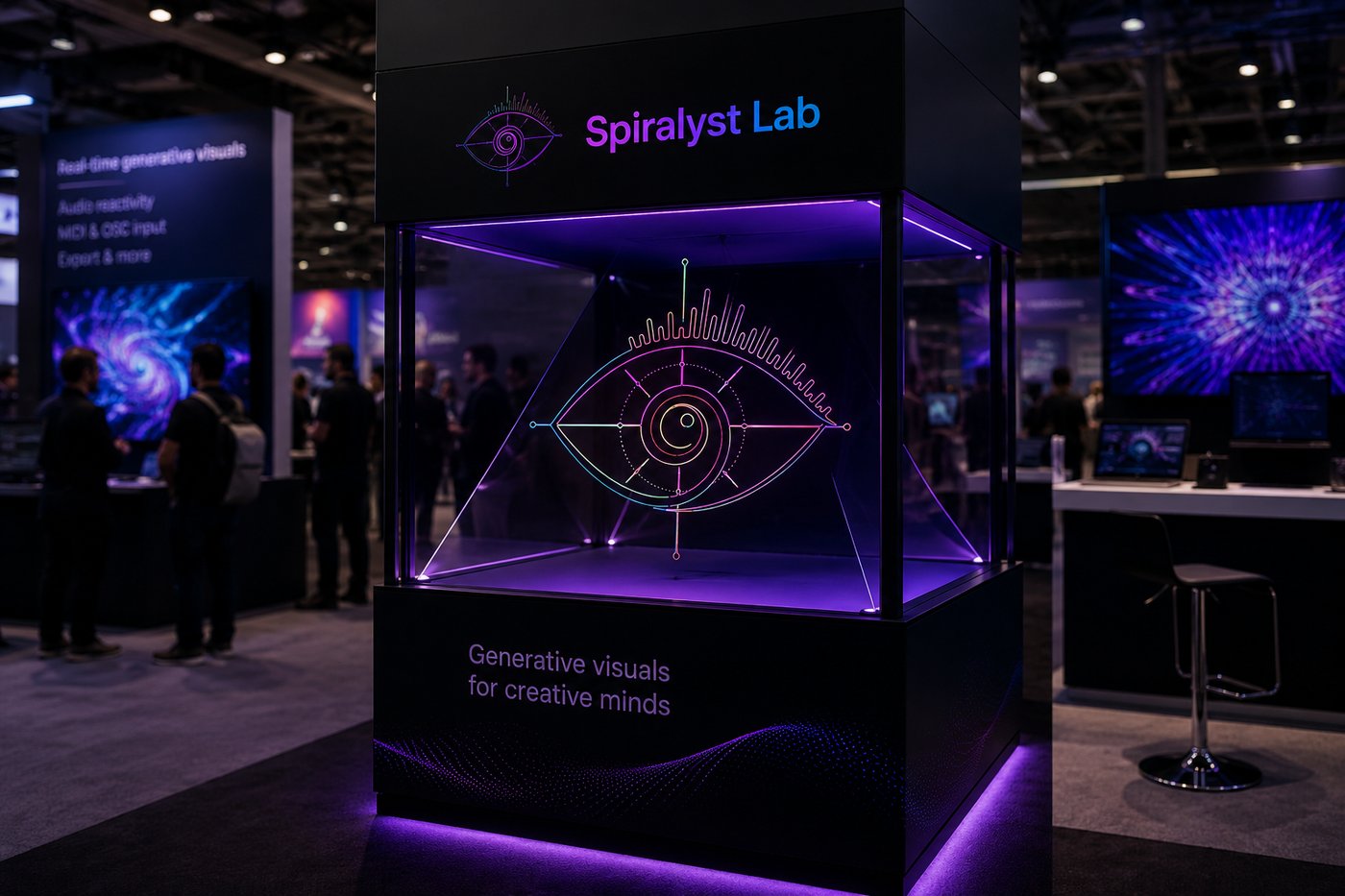
Branded & event displays
Build an on-brand display for a booth or event — import a logo as an SVG so the fractal grows from your mark, match brand colors, and drive it with the room's audio.
~2 min