3D fractal
KIFS octa
Live turntable captured from Spiralyst Lab.
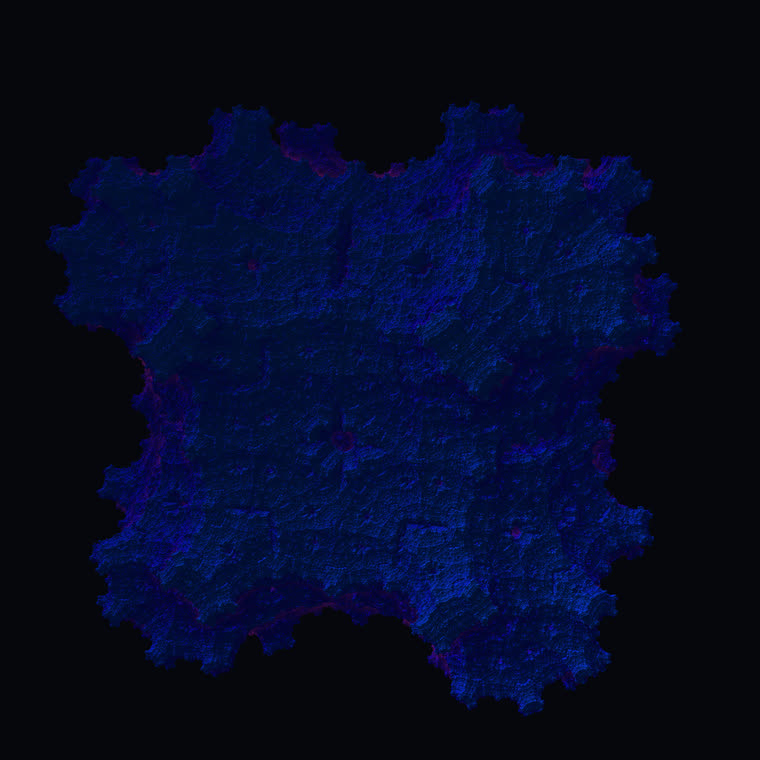
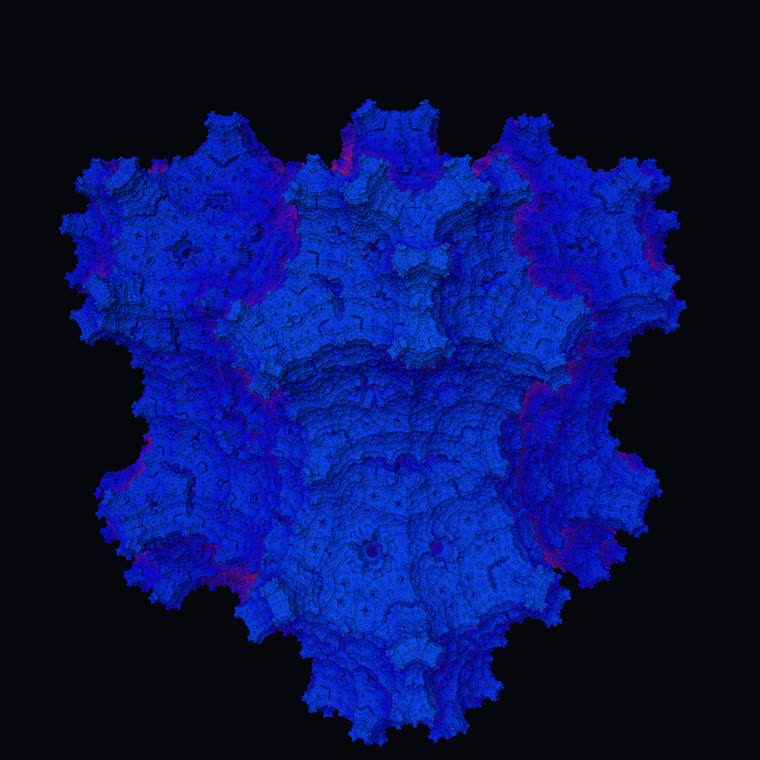
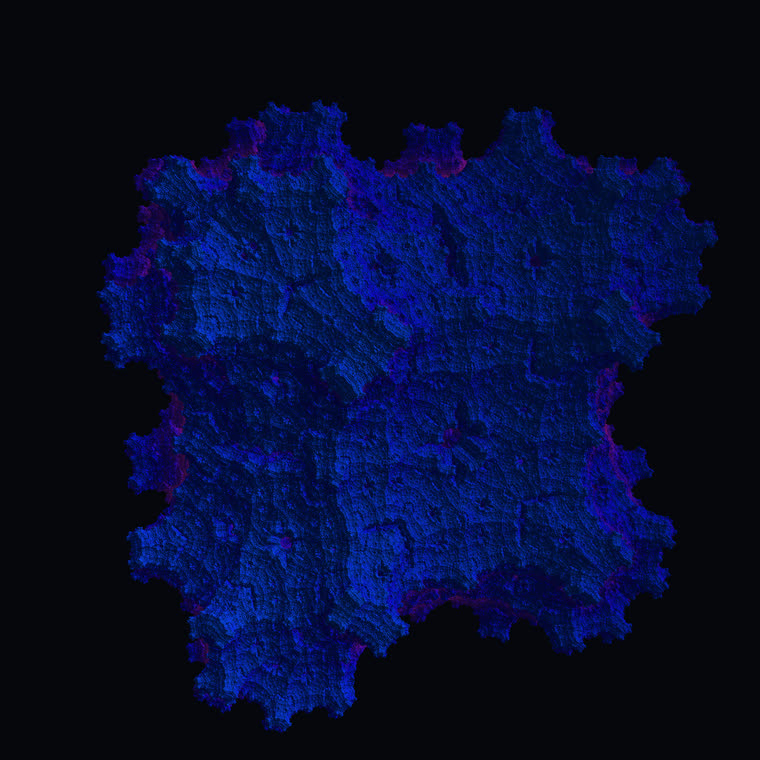
The octa variant uses the same kaleidoscopic fold-and-scale engine, turned to read as a denser, eight-fold mineral growth. Where its tetrahedral sibling evokes a snowflake, this one evokes a cut block of crystal caught mid-formation.
Eight-Fold Mineral Growth
The octa variant of the kaleidoscopic IFS keeps the exact same machinery as the tetrahedral one — fold space with absolute-value reflections, scale toward a center, offset and rotate — but applies a different per-step rotation so the crystal reads with a denser, more mineral, eight-fold character. Where the tetra version evokes a snowflake, the octa version evokes a crystal lattice or a cut block of fluorite caught mid-formation.
This is worth being honest about: in Spiralyst Lab the 'octahedral' identity comes from the rotation and scaling applied to the shared kaleidoscope, not from a separate set of octahedral mirror planes. The same handful of lines of shader code produce all three KIFS solids — the symmetry is a dial, not a different program. That is part of what makes the KIFS family so generative: a small change in rotation or offset can transform the whole object.
As an implicit, ray-marched fractal it shares the family's distance estimator, accumulating the per-iteration scale so the surface can be traced in real time.
The shared kaleidoscopic fold into one fundamental wedge.
The octa preset adds an x–z rotation (a quarter turn) to the shared scale-and-offset step; that rotation is what gives it its denser symmetry.
In Spiralyst Lab
Identical controls to the other KIFS solids — scale, offset and two rotation angles — but the octa preset's rotation makes the figure read as eight-fold and mineral. Because the rotation is doing the symmetry work, the rotation controls are especially dramatic here. Orbit slowly with a tight glow for a faceted, gem-cut effect.
Every parameter below is a live control — set it by hand, map it to a frequency band, or let it ride a smooth animation. These ranges are the actual in-app slider limits.
| Parameter | Range (in-app) |
|---|---|
| Scale | 1.5 – 3.5 |
| Offset x | 0 – 2 |
| Offset y | 0 – 2 |
| Offset z | 0 – 2 |
| Rot xz | -3.1416 – 3.1416 |
| Rot yz | -3.1416 – 3.1416 |
| Iterations | 5 – 12 |
| Surface ε | 0.0001 – 0.01 |
| Ray steps | 32 – 256 |
Audio-reactive by default: rotYZ -π→π, uScale 1.5→3.5. Any control can be mapped to audio or animation.
Plus the universal 3D controls every ray-marched type shares: camera (yaw, pitch, distance, FOV) and lighting (light direction, ambient, fog density, glow falloff).
Watch it in action
assets/video/fractals/20-kifs-octa.mp4
Did you know: Swap the rotation and scale and the very same code becomes the tetra or cube fractal — in Spiralyst Lab the three KIFS 'solids' are one estimator wearing three presets.