
Help guide · macOS 14.4+
Save, reuse, and move your scenes
A preset captures a whole look so you can recall it instantly. Save named presets, load and delete them, and export your whole library as a single file you can import on another Mac — your setups travel with you.
Tutorial video — coming soon
-
Save a named preset. In the Visual tab, right under Type, type a name in the preset field and click 💾 to save the current scene. Your saved presets appear in the list at the top of the Presets group.
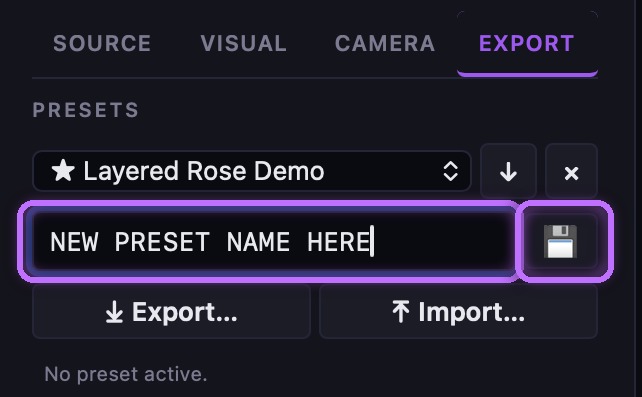
Name the preset, then click 💾 to save the current scene. -
Load or delete a preset. Pick a preset from the list and click load (↓) to apply it, or delete (×) to remove it. Loading a preset rebuilds the whole scene exactly as you saved it.
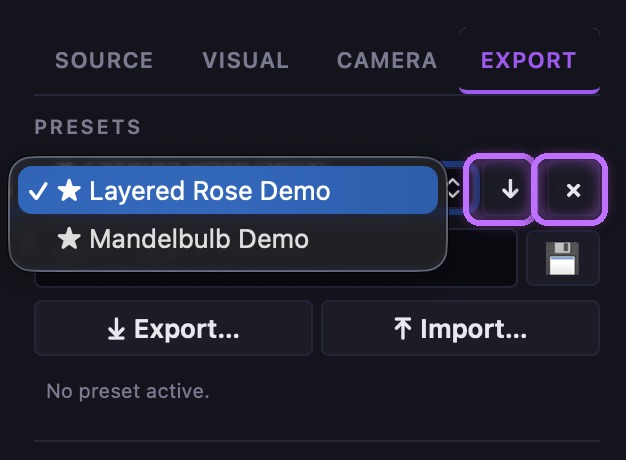
Pick a preset, then load (↓) to apply it or delete (×) to remove it. -
Move presets between Macs. Click ⤓ Export… to download all your presets plus your saved audio band library as a single .json file — keep it as a backup or carry it to another Mac. On the other machine, click ⤒ Import… and choose the file: your presets merge into the library (matching names are replaced) and your band library is restored, so your setups follow you.
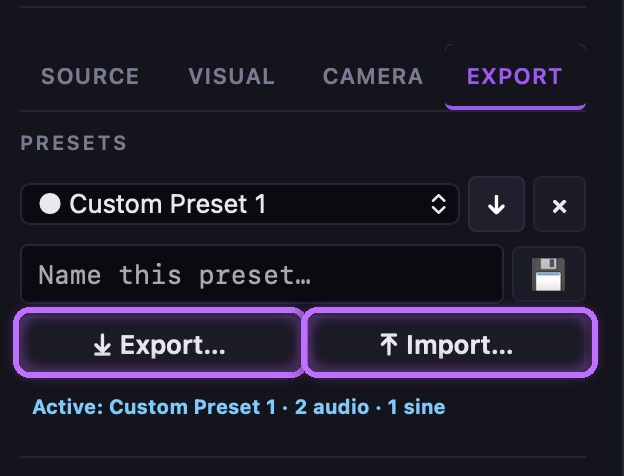
Export… saves your whole library to a file; Import… restores it on another Mac. -
Know what a preset captures. A preset stores the full look: the fractal type and seed, every slider's value and range, your audio band wiring and animation modes, all the color and effects, and for 3D fractals the camera, lighting, and quality settings. Load it and the scene comes back exactly.
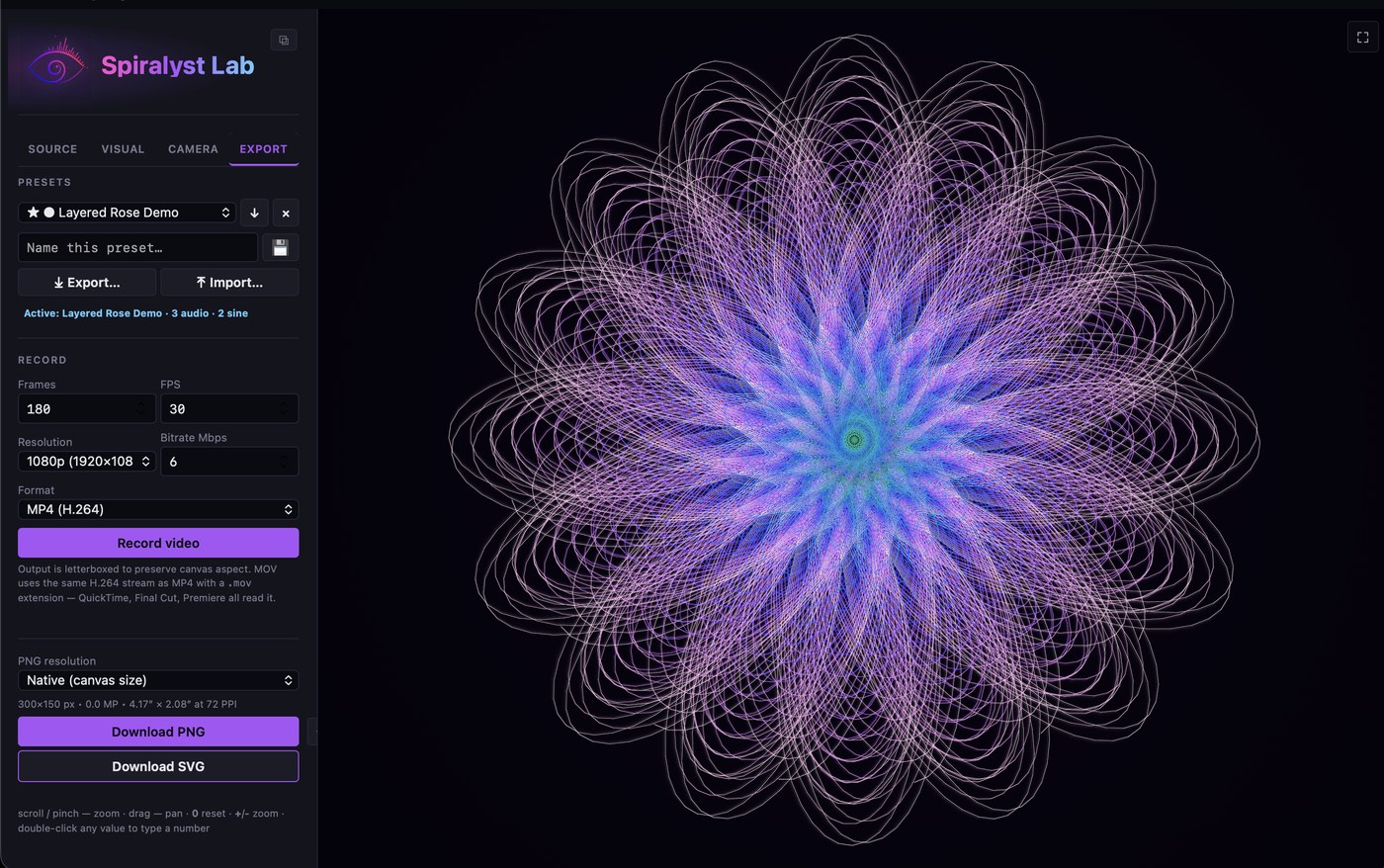
A loaded preset rebuilds the whole scene — here, the Layered Rose look. It captures every control group — for example:
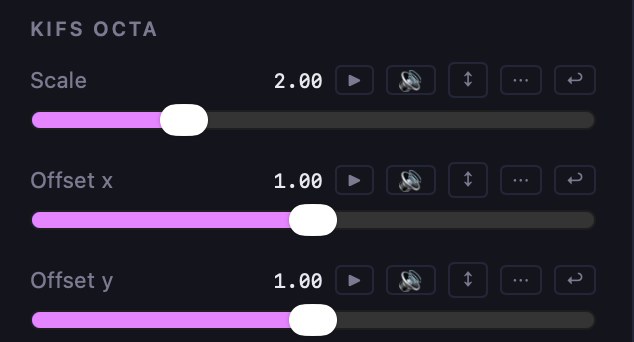
Fractal type, seed & shape. 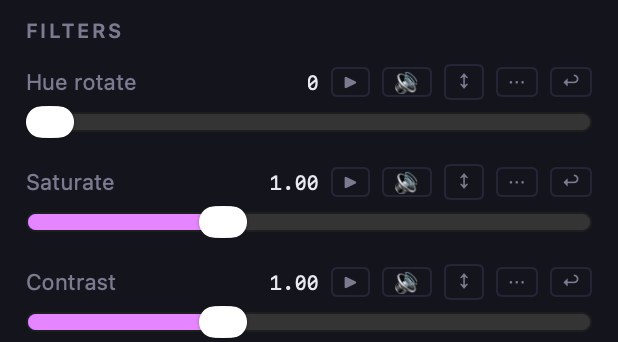
Color & effect filters. 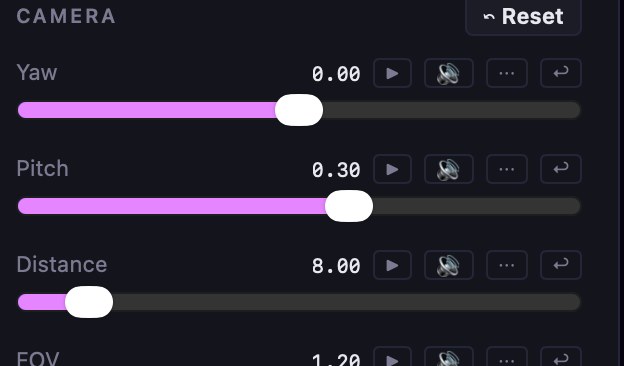
Camera & lighting (3D). 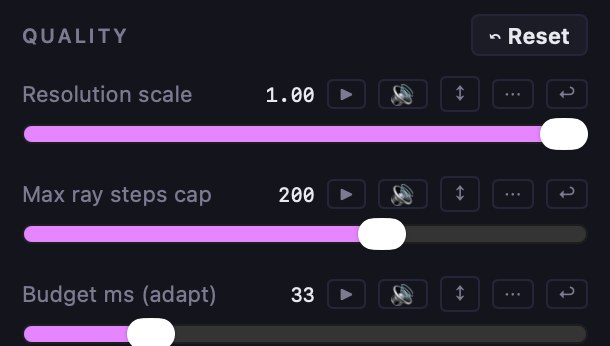
Render quality (3D).
Troubleshooting: Importing merges presets by name — a preset with the same name as one you already have is overwritten by the imported version, so rename first if you want to keep both. If a preset was made with a fractal type your build doesn't have, it still loads — it keeps your current type and applies everything else.